One grocery list. Both of you.
Plan what you need at home, shop it aisle by aisle, and see what your household really spends. Everyone on the same list, even offline.
Coming soon to Google Play and the App Store.
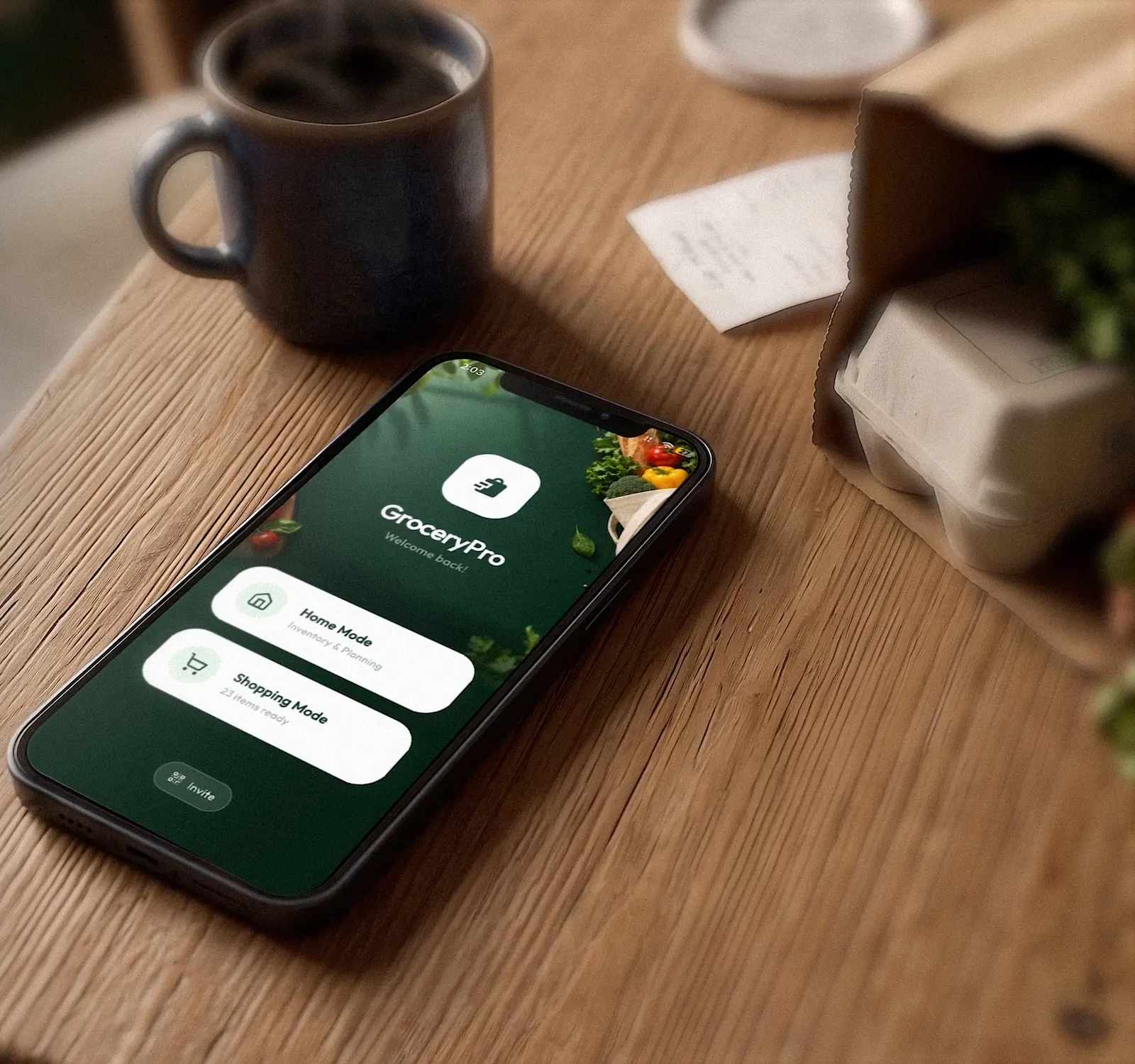
Everything your household needs for the grocery run.
Two modes, one household. Plan at home, then let the app walk you through the shop.
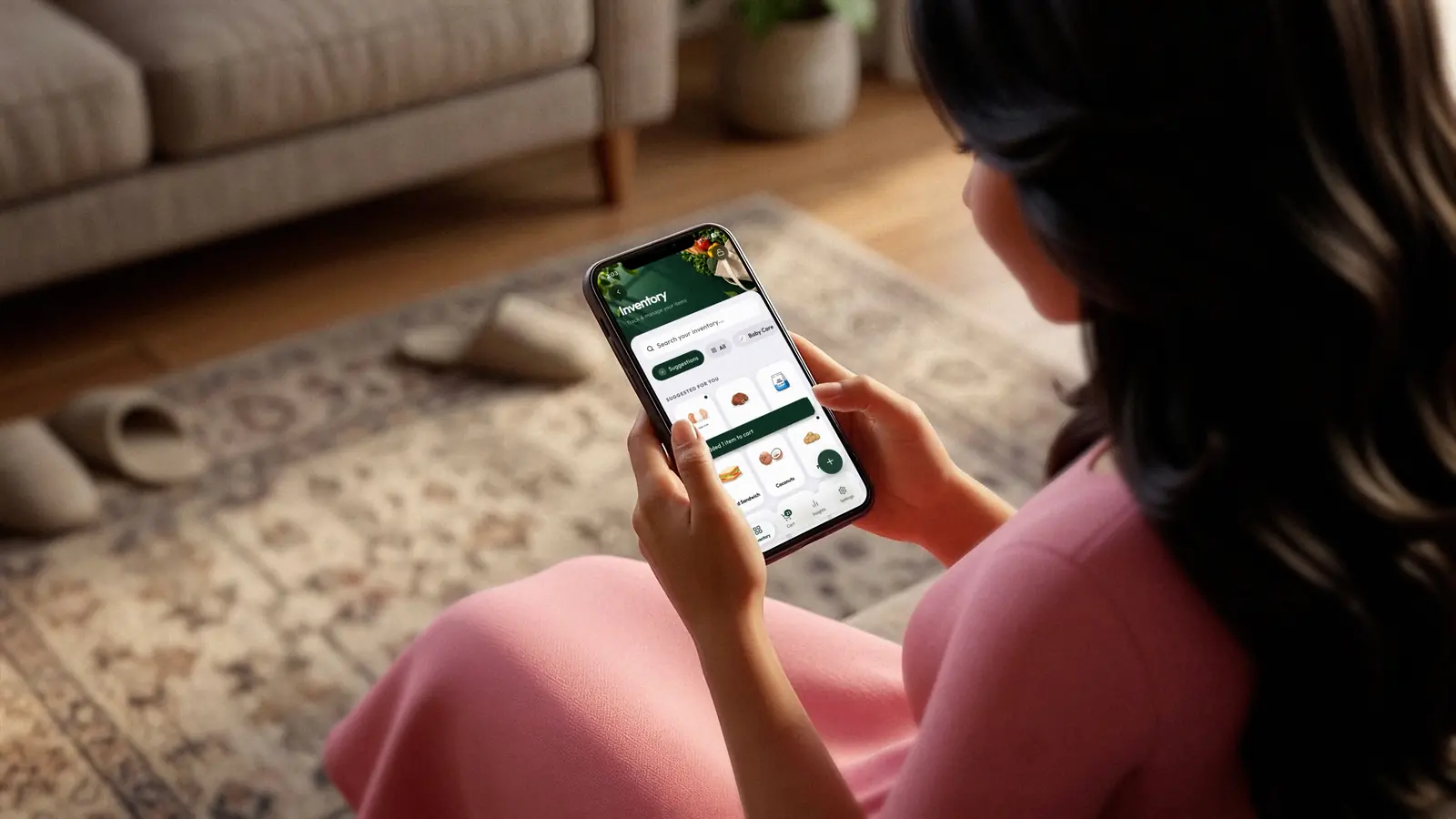
Plan at home, in seconds.
Your household's items live in one place with pictures, so adding to the cart is a tap. Suggestions bring back what you usually buy.
- Start from a ready-made catalog of everyday groceries
- Search in English, Sinhala or Tamil, even by how it sounds
- Add your own items, with the package sizes you buy
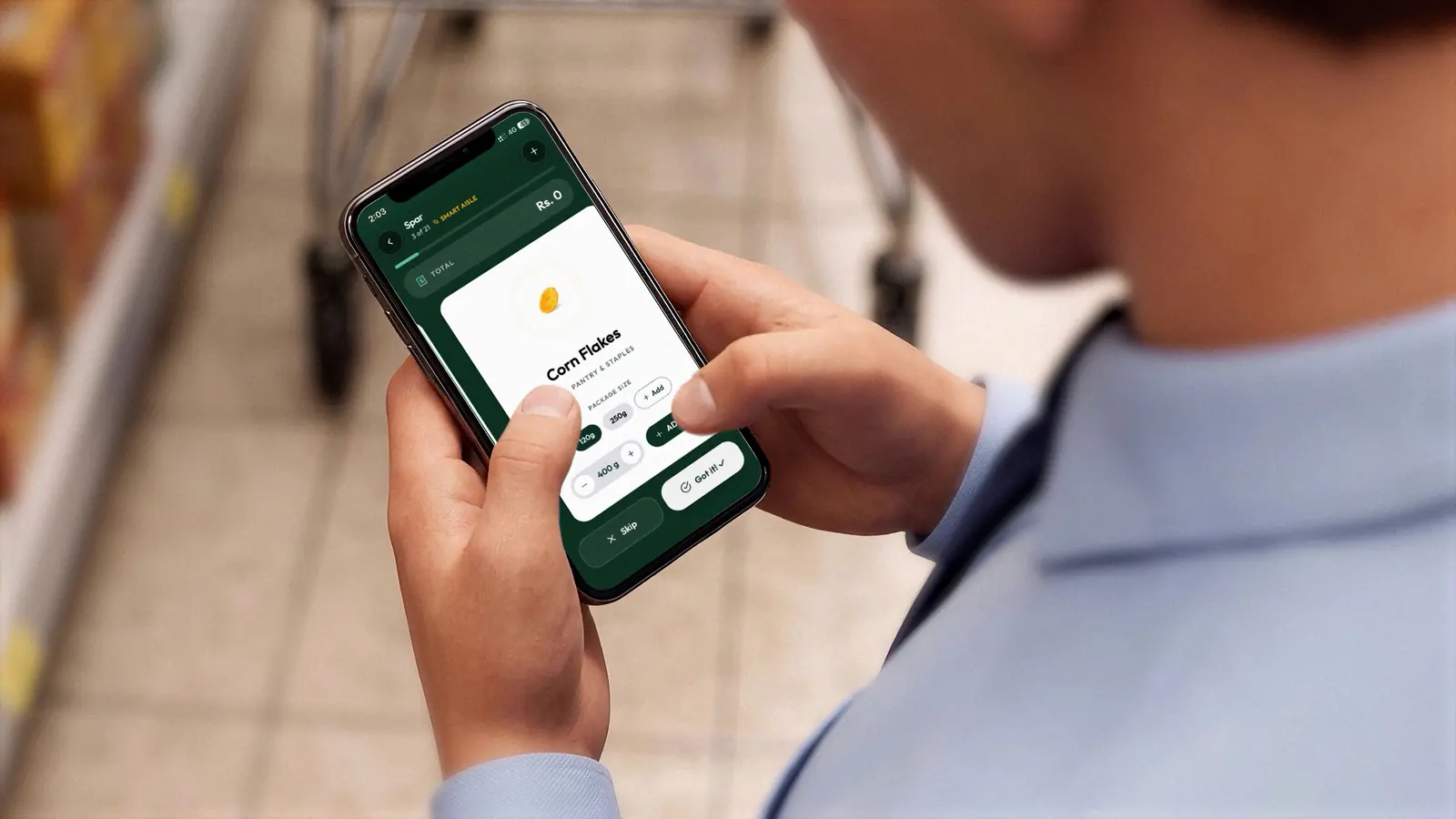
Shop aisle by aisle.
One item at a time, in the order your shop is laid out. Pick the size, tap Got it or Skip, and watch the running total as you go.
- Items follow your aisle order, so no walking back and forth
- Everyone in the household sees the trip live
- Finish and it's saved to your history with prices
Small things that save you a second trip.
One household, one code
Share an 8-character invite code. Everyone sees the same items, lists, history and live trip.
Keeps working with no signal
Tick things off at the back of the shop. On Essential and Pro, changes sync the moment you're online again.
Catch price creep
Every price is compared with the last time you bought it, so you see what got dearer.
See where the month went
Weekly bars and a breakdown by category. Tap a week or a category to dig in, then share it as a picture.
Scan a receipt Pro
Photograph it, check every line, save the trip. The photo is deleted after it's read.
Search the way you say it
Type “parippu” and find dhal. Search understands everyday Sinhala and Tamil names, in English letters or script.
Three steps. No more group-chat lists.
Plan
Add what you need to the household cart from the starter list, your suggestions or your own items.
Shop
Start a trip and go item by item. Your partner can follow along on their own phone.
Look back
Every trip is saved with its prices, so you can see habits and where the budget went.
Start free. Add the household when you're ready.
Free keeps your lists on your phone. Paid plans add backup, syncing and sharing with your household.
Free
Your lists, on your phone.
- Plan, shop and track trips
- Works offline
- Cloud backup and sync
- Invite family to your household
- Catalog suggestions as you add items
- Receipt scanning
Essential
The whole household in sync.
- Plan, shop and track trips
- Works offline
- Cloud backup and sync
- Invite family to your household
- Catalog suggestions as you add items
- Receipt scanning
Pro
Everything, including receipts.
- Plan, shop and track trips
- Works offline
- Cloud backup and sync
- Invite family to your household
- Catalog suggestions as you add items
- Receipt scanning
Prices are shown in the store before you buy. Plans start with the store launch.
Your household's list is yours.
We keep what the app needs to work, and you stay in control of it.
- Delete your account any time, right inside the app
- Export your data from Settings
- Sign in with Google, Apple or email
- Only people you invite can see your household

Ready for a calmer evening?
GroceryPro is almost on the stores. Tell us you're interested and we'll write when it's ready.
Get early access